Margem maior
Left binding
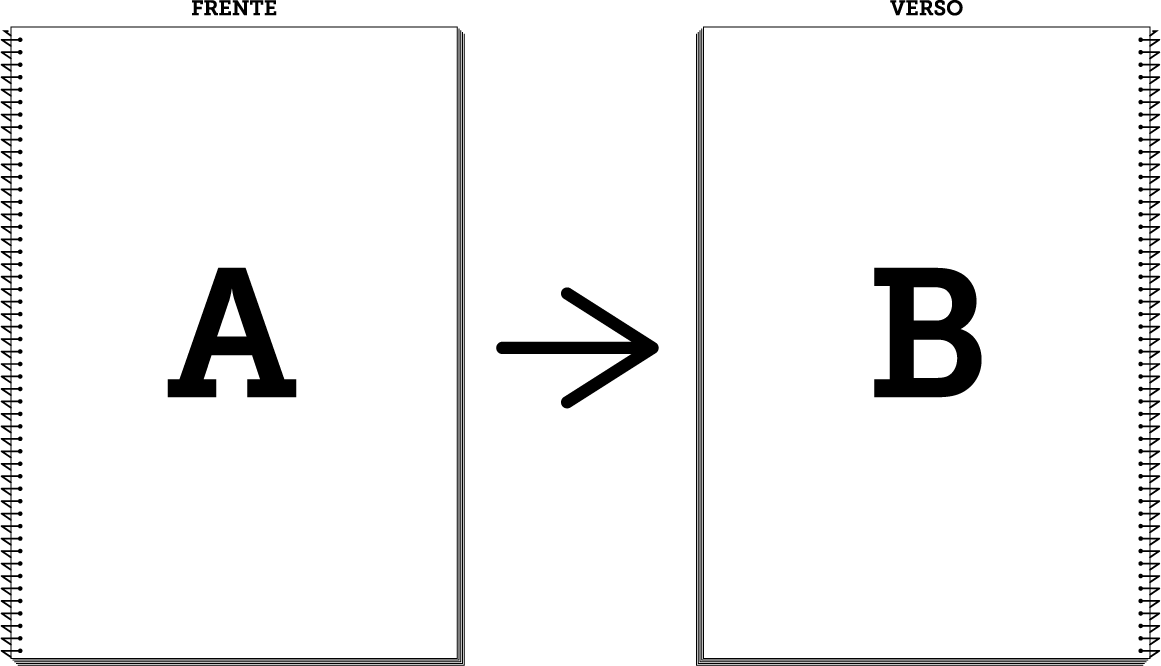
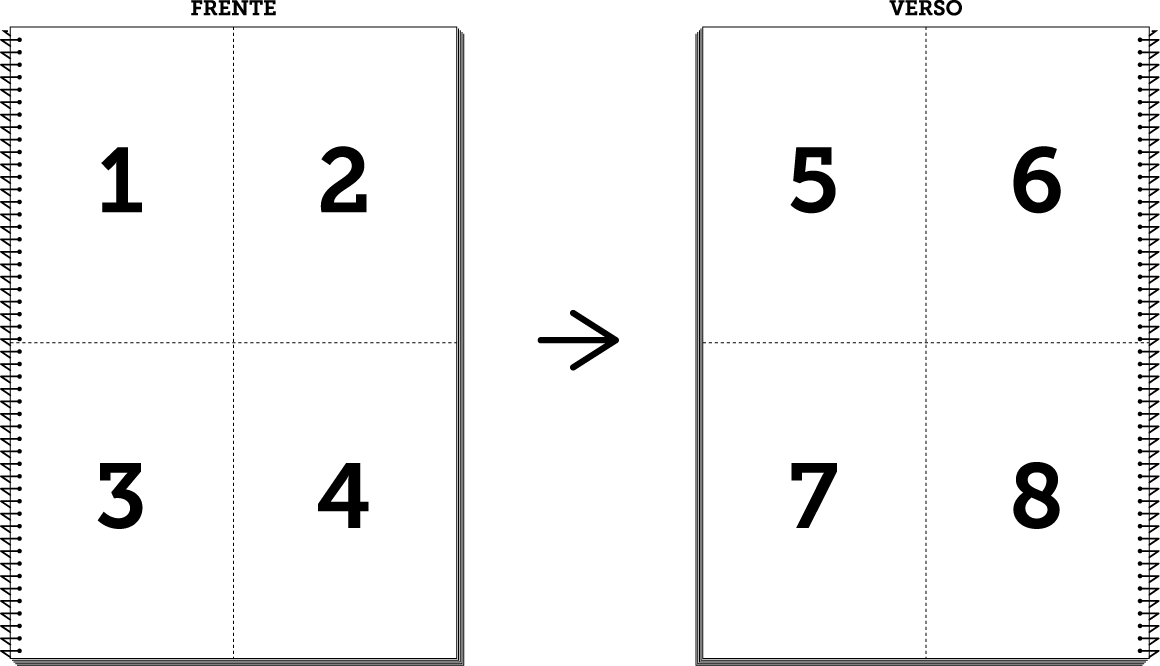
Se quiseres imprimir 1 página por página ou “múltiplas páginas por página”, com orientação vertical (retrato ou portrait), tens de seleccionar a fila de impressão (nome da impressora) “frente e verso (margem maior)”, no momento em que estás a submeter o teu trabalho. Assim, a tua impressão frente e verso ficará apta a ser agrafada ou encadernada pelo lado esquerdo.
Clica aqui para saberes como podes formatar o teu documento com “múltiplas páginas por página”, antes de o submeter na plataforma.
If you want to print several pages or "multiple pages per page" in two-sided mode with portrait orientation, you must select the print queue (printer name) “double side (left binding)”, when you are submitting your work. Thus, your two-sided printing will be able to be stapled or bound on the left side.
Click here to find out how to format your document to be printed in "multiple pages per page", before being submitted to the platform.